Display Filter
Location
Edit display filters in . Use the default Display or create your own on its model.
Default
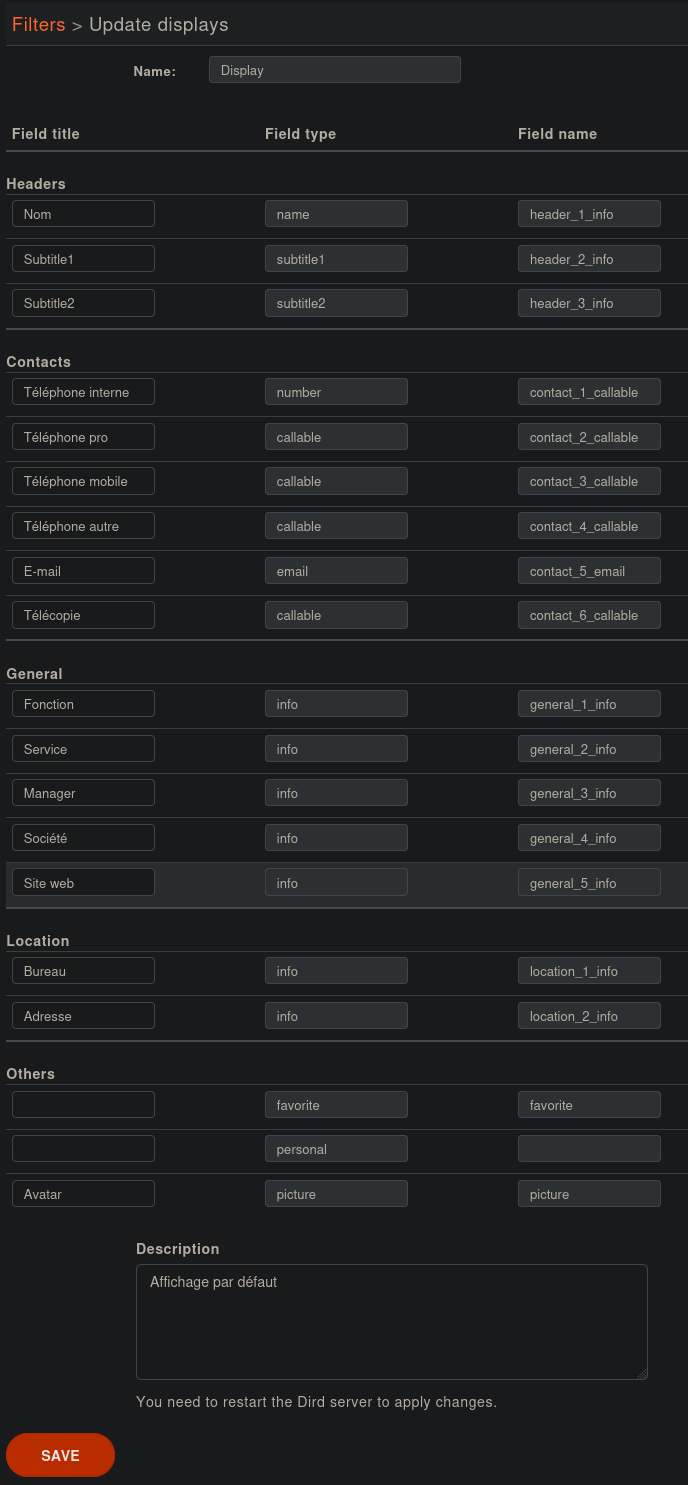
Fields types and field variables name are fixed in the default Display. You may update the field title to better match your needs. See Contact modal for the visual rendering.
Attributes
Each line in the display filter will result in a header in your XiVO Client.
Field title: text displayed in the header.
Field type: type of the column, this information is used by the XiVO Client. (see type description)
Field name: names of the variables from the directory definitions to display