Installation
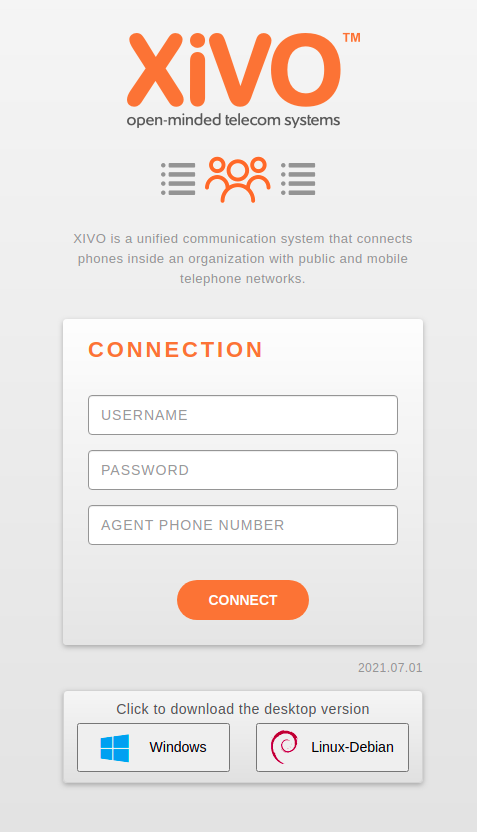
The UC Assistant and CC Agent are available as desktop application through Electron packaging, to be able to use these applications in a standalone executable you need to retrieve it on the login page.
You can retrieve it by clicking the Windows or Linux button on the login page from your browser, on the CCAgent or UCAssistant applications.
Note
You can disable download buttons, see Disabling download desktop applications section.
Those applications are retrieved from the official XiVO Solutions mirror https://mirror.xivo.solutions/xivo-desktop-assistant/
Update
The update process varies depending on your operating system.
Windows
The desktop application uses the Squirrel framework to perform automatic updates.
Upon startup, the application checks mirror.xivo.solutions against your current LTS branch to detect if a new version is available.
If an update is found, it is downloaded automatically in the background.
Once the download is complete, you will receive a notification prompting you to restart the application or wait for next restart to apply the update.
Linux
On Linux, updates are directly performed via your package manager.